

What Off Page factors play into search ranking? Search engines constantly change their ranking algorithms so how do you know what still works. Do Backlinks Still Matter in 2019?
Keep Reading →about Is Off Page SEO Dead and Do Backlinks Still Matter in 2019?

You Can Never Help Those in Need, Only Those with Desire
Why is it that some people, no matter what dire circumstances life places them in, fight back and work towards something meaningful and some resemblance of success, even if they have to scratch and claw one inch at a time. Give some people a spoon and enough time and they’ll dig a mile long tunnel to get where they want to be. Give some people a bulldozer and they’ll never even start it up and try.
Keep Reading →about You Can Never Help Those in Need, Only Those with Desire
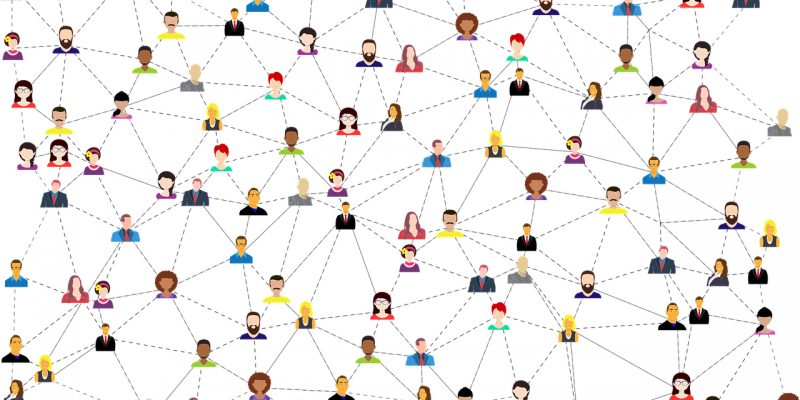
What is Network Marketing?
Network marketing involves promoting a business and/or selling products or services and building a network of people under you who also promote the business and/or sell the products. You get commissions and bonuses for sales and signups under you. Find what makes a great network marketing company and which one I recommend. Depending on the company and how much time you put into it, you can make quite a lot of money.
Keep Reading →about What is Network Marketing?
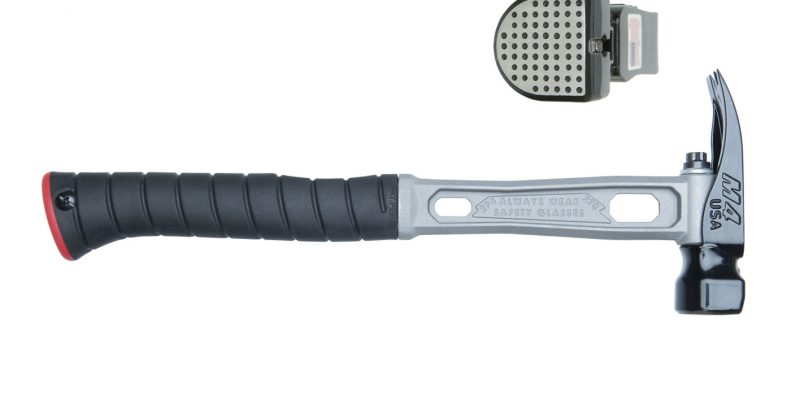
Would You Sell a $250 Hammer?
You might be tempted to ask “Would You Buy a $250 Hammer?”, or a $95 nail puller?, or a $250 square? But I think that’s the wrong question. I think the better question is would you sell these items. The demand is there for quality, but for some reason people tend to want to sell the lowest priced (and quality) items.
Keep Reading →about Would You Sell a $250 Hammer?

What is Affiliate Marketing?
It’s back to basics with this article. Sometimes it’s a good practice to make sure the basic principles are understood; like mastering addition and subtraction before tackling multiplication and division. Affiliate marketing at its simplest is: sending customers to someone else and in return that party gives you commission. But anytime you put money in the equation people get weird and confusing ideas and misconceptions.
Keep Reading →about What is Affiliate Marketing?

Website Not Mobile Friendly? Missing Half Your Traffic?
6 checkpoints you need to make your site mobile ready: Google says that between 50% and 60% of searches are from mobile devices. If your site is not mobile ready you’re shutting the door on over half the people potentially interested in what you’re offering.
Keep Reading →about Website Not Mobile Friendly? Missing Half Your Traffic?